
The 10 Best AI Video Generators of 2026
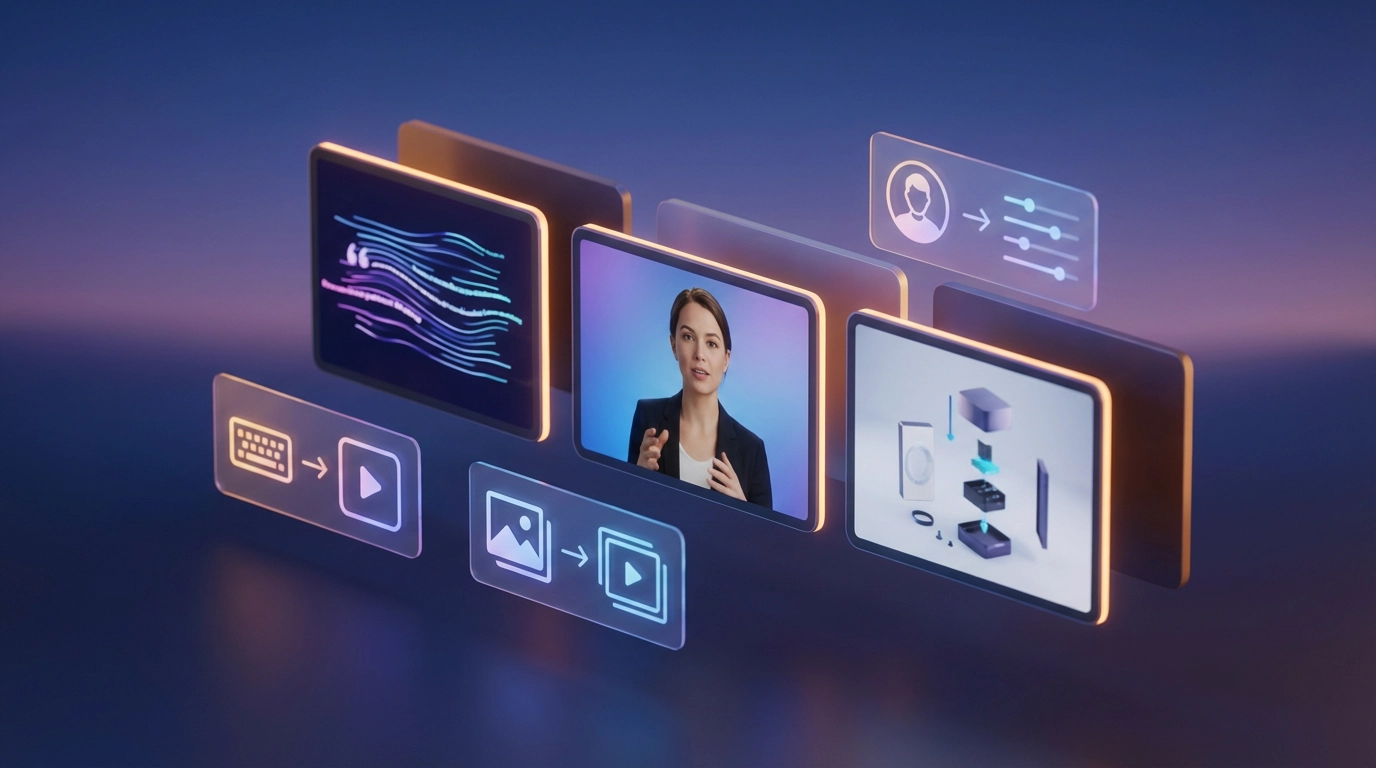
As of mid-2026, AI video tools have moved past the novelty stage. Creators, marketers, and startup teams now use them for daily content production, not just experiments. I spent two weeks generating clips, avatars, and full campaigns across the ten platforms below to find out which ones actually hold up once you need volume, consistency, and real output quality.
If you only remember one thing from this guide: the best free AI video generator overall in 2026 is Magic Hour, thanks to its no-signup trial, credits that never expire, and access to nearly every frontier video model in one workspace. Below, I break down all ten tools I tested, what each one does well, where it falls short, and who should actually pay for it.
Best AI video generators at a glance
| Tool | Best for | Modalities | Free plan | Starting paid price |
| Magic Hour | All-in-one creation, agencies | Text, image, video, audio | Yes, no signup required | $10/month (annual) |
| Runway | Filmmakers, VFX artists | Text, image, video | Limited one-time credits | $15/month |
| Synthesia | Corporate training videos | Avatar, text | Yes, 3 min/month | $18/month (annual) |
| HeyGen | Localized and translated video | Avatar, text | Yes, limited | $29/month |
| Kling AI | Realistic human motion | Text, image | Yes, daily credits | ~$10/month |
| Pika Labs | Stylized social clips | Text, image | Yes, daily refresh | ~$8/month |
| Luma AI (Dream Machine) | Cinematic B-roll | Text, image | Trial credits only | $9.99/month |
| Google Flow (Veo 3.1) | Photorealism and audio sync | Text, image | Limited, via Gemini app | ~$20/month (Google AI Pro) |
| Veed.io | Editing existing footage | Video editing, avatar, subtitles | Yes, watermarked | $12/month |
| InVideo AI | Template-driven marketing videos | Text, stock assembly | Yes, weekly minutes | $20/month (annual) |
How we chose these tools
I evaluated each platform using the same three prompts: a product demo clip, a talking-head style video, and a stylized social short. For every tool, I checked generation speed, output quality, how well faces and objects stayed consistent across a clip, pricing transparency, and whether a free tier was actually usable or just a teaser. I also weighed how each platform handled multi-step workflows, since most real content projects need more than a single generation step. Tools that required the fewest workarounds to get a publish-ready file scored highest.
1. Magic Hour
Magic Hour is the platform I kept coming back to during testing, and it’s easy to see why. It combines text-to-video, image-to-video, video-to-video, lip sync, talking photo, and AI face swap into a single workspace, with access to frontier models including Veo, Sora, Kling, and Seedance rather than locking you into one vendor’s engine. What stood out most is that you can start generating immediately, no signup required, and if you’re searching for the best AI video generator free option that doesn’t force an account before you’ve even tested the output quality, this is the one to try first.
Pros:
- No signup required to start creating
- Credits never expire once earned
- Access to multiple frontier models (Veo, Sora, Kling, Seedance) in one place
- One-click multi-step workflows, such as generate, then upscale, then export
- Parallel generations with no concurrency cap on paid plans
- Weekly feature releases and an unusually generous free tier
- Full API parity, so every tool available in the app is also available programmatically
Cons:
- The sheer number of tools and models can feel like a lot to navigate at first
- Free tier resolution is capped at 576px, so you’ll want a paid plan for client-ready exports
After two weeks of testing, Magic Hour was the only platform that let me move from a text prompt to an upscaled, exported video without leaving the app or re-uploading a file. For creators who need to switch between talking photo, lip sync, and full text-to-video generation in the same week, that one-click workflow chain genuinely saves hours. It’s also optimized well for both desktop and mobile, which matters if you’re reviewing renders on the go.
Pricing: Free plan available. Creator plan is $15/month or $10/month billed annually. Pro plan is $39/month. Business plan is $99/month for teams and agencies needing 4K exports and unlimited concurrent generations.
2. Runway
Runway remains the tool of choice for filmmakers and VFX artists who need granular control rather than a one-click result. Its camera controls and motion brush let you direct specific elements of a scene instead of accepting whatever the model generates.
Pros:
- Advanced camera controls for pan, tilt, and zoom
- Motion brush lets you animate specific regions of a frame
- Strong reputation for shot-by-shot creative direction
- Custom model training for brand-consistent visual styles
Cons:
- Steeper learning curve, with cinematography terminology built into the interface
- Character consistency can drift after roughly 30 seconds
- Free plan credits are limited and one-time rather than recurring
If you’re producing ad creative or client deliverables that need tight shot composition, Runway gives you more direct control than most generators on this list. It’s less suited to creators who just want a fast, polished clip without learning the tool first.
Pricing: Free plan with limited one-time credits. Standard plan is $15/month. Pro plan is $35/month. Unlimited plan is $95/month for heavy production schedules.
3. Synthesia
Synthesia is built for a different job entirely: presenter-style corporate video without cameras, studios, or actors. You type a script, choose from more than 150 stock avatars, and get a polished talking-head video in minutes.
Pros:
- Large library of stock avatars and 120-plus supported languages
- Strong for training, onboarding, and internal communications
- One-click translation and dubbing across languages
- Enterprise-grade security options, including SSO on higher tiers
Cons:
- Billed by video minutes per month rather than by number of videos, which can feel restrictive
- Custom personal avatars cost extra on top of the subscription
- Not designed for cinematic or stylized video generation
If your content is training material, onboarding modules, or internal updates rather than social or marketing video, Synthesia is hard to beat for polish and language coverage.
Pricing: Free plan with 3 minutes per month. Starter plan from $18/month billed annually (or $29/month billed monthly). Creator plan from $64/month billed annually (or $89/month billed monthly). Custom Enterprise pricing available.
4. HeyGen
HeyGen carved out its niche in localized, personalized video at scale. Its standout feature is video translation that preserves lip-sync and tone across dozens of languages, so a single recording can become a global campaign asset.
Pros:
- Video translation across 175-plus languages with matched lip movement
- Strong for sales outreach and personalized marketing at volume
- Custom avatar creation for branded, repeatable presenters
Cons:
- Credit consumption for premium avatars can burn through a plan quickly
- Entry-level Creator plan’s minute allowance is tight for daily publishing
For sales and marketing teams selling into a global audience, HeyGen’s translation quality alone can justify the subscription.
Pricing: Free plan available. Creator plan is $29/month. Pro plan starts at $49/month. Business plan is $149/month, with custom Enterprise pricing above that.
5. Kling AI
Kling has built a strong reputation for photorealistic human characters and natural movement, particularly for social and marketing clips that need a believable person on screen.
Pros:
- Best-in-class realism for human faces and body movement
- Fast generation times, useful for rapid iteration
- Competitive per-second pricing compared to premium alternatives
Cons:
- Free plan credits are generous but restricted to non-commercial use
- Fewer post-production and editing tools compared to full-suite platforms
If your priority is realistic people in motion for social ads or influencer-style content, Kling is one of the strongest single-purpose tools available.
Pricing: Free plan with daily credit refresh, non-commercial use only. Paid plans start around $10/month for commercial rights and higher resolution.
6. Pika Labs
Pika is the most playful tool in this roundup, built around fast, stylized, and often experimental video effects rather than photorealism.
Pros:
- Distinctive creative toolkit for scene generation, swaps, and style transformations
- Fast turnaround, often around 12 seconds for short clips
- Popular with artists and social creators who want a distinctive look
Cons:
- Not built for long-form or structured marketing production
- Credit costs vary widely between basic and advanced effects
If your content lives on TikTok or Reels and thrives on a distinctive, unmistakably AI-generated aesthetic, Pika is genuinely fun to work with.
Pricing: Free plan with daily credit refresh. Paid plans start around $8 to $10/month.
7. Luma AI (Dream Machine)
Luma pivoted from a straightforward video generator into a multimodel creative platform, bundling its own Ray model alongside access to third-party engines under one subscription.
Pros:
- Strong depth and parallax on image-to-video conversions
- Bundles access to multiple third-party models under a single credit pool
- HDR pipeline available on higher tiers
Cons:
- Credit consumption is difficult to predict since burn rates vary by model
- No permanent free tier, only trial credits for new accounts
Luma works well for agencies running multi-asset campaigns where model routing would otherwise mean juggling several separate subscriptions.
Pricing: Trial credits only, no permanent free plan. Lite plan is $9.99/month. Plus plan is $29.99/month. Unlimited plan is $94.99/month.
8. Google Flow (Veo 3.1)
Google’s Flow interface gives creators direct access to Veo 3.1, currently one of the strongest models for realism, natural audio, and prompt accuracy.
Pros:
- Excellent physics and motion realism
- Native audio generation synced to the visual scene
- Strong prompt adherence for complex, detailed scenes
Cons:
- Access is bundled into a Google AI subscription rather than sold standalone
- Fewer editing and post-production tools compared to dedicated platforms
If photorealism and natural sound are the priority and you’re already inside the Google ecosystem, Flow is worth testing before committing to a separate subscription elsewhere.
Pricing: Access included with Google AI Pro (around $20/month) or higher-tier Google AI Ultra plans, with usage limits depending on tier.
9. Veed.io
Veed is less a generator and more a browser-based editor with AI features layered in, including auto-captions, background removal, and short AI-generated clips.
Pros:
- Clean, fast browser-based editing experience
- Industry-leading auto-subtitle accuracy
- Useful for teams editing existing footage rather than generating from scratch
Cons:
- AI video generation is limited compared to dedicated generators
- Credit-based billing for AI actions can be confusing at scale
Veed makes the most sense if your workflow starts with real footage that needs fast editing, captions, and polish rather than fully AI-generated scenes.
Pricing: Free plan available, watermarked. Paid plans start around $12/month, with Pro tiers from roughly $24 to $29/month.
10. InVideo AI
InVideo assembles complete videos from a prompt by combining stock footage, AI voiceover, music, and captions, making it closer to an automated editor than a pure generator.
Pros:
- Fast prompt-to-draft turnaround using a large stock media library
- Command-based editing, so you can revise by typing instructions
- Newer tiers bundle access to premium generative models alongside stock assembly
Cons:
- AI generation minutes are pooled weekly or monthly and don’t roll over
- Best output quality depends heavily on how detailed your prompt is
InVideo is a solid choice for marketing teams that want a fast first draft assembled from stock and AI narration rather than fully generated scenes.
Pricing: Free plan with limited weekly AI minutes, watermarked. Plus plan around $20/month billed annually. Max plan around $48/month billed annually.
The market landscape and where it’s headed
The AI video space consolidated a lot in the first half of 2026. Several single-model apps folded into larger platforms, and a handful of frontier models, Veo, Sora, Kling, and Seedance among them, now anchor most of the serious tools on the market. The bigger shift I noticed during testing is that platforms giving you access to several of these models under one subscription, rather than locking you into a single engine, are pulling ahead. That approach saves creators from juggling separate billing and separate learning curves every time a new model launches. Expect more platforms to add multi-step workflows, generate, upscale, edit, in a single pass, since that was consistently the biggest time-saver across the tools I tested.
Final takeaway
There’s no single winner for every use case. If you want one platform that covers text-to-video, image-to-video, face swap, lip sync, and audio, all without a signup wall, Magic Hour is the strongest overall pick and the one I’d point most creators to first. If you need frame-by-frame creative control, Runway is worth the learning curve. For corporate presenter video, Synthesia and HeyGen each do a specific job extremely well. I guarantee at least one of these tools will meet your needs, but the only way to know which is to run your own prompt through two or three of them and compare the output side by side.
FAQ
What is the best free AI video generator in 2026?
Magic Hour is the strongest overall free option since it requires no signup to start, offers credits that never expire, and provides access to multiple frontier models rather than a single engine.
Can I use AI-generated videos commercially?
It depends on the platform and plan. Most tools, including Magic Hour, Kling, and Luma, reserve commercial usage rights for paid plans, while free tiers are typically limited to personal or non-commercial use.
Which AI video generator is best for realistic human characters?
Kling AI and Google’s Veo 3.1 (through Flow) both stand out for photorealistic faces and natural motion, while Magic Hour gives you access to both models plus several others in one workspace.
Do I need editing experience to use these tools?
No. Every tool on this list is designed for prompt-based or template-based creation, so you don’t need traditional editing skills to produce a finished video.
How much does AI video generation typically cost?
Entry-level paid plans across this list range from roughly $8 to $30/month, with premium and business tiers running higher depending on resolution, concurrency, and credit volume.
As of June 2026. Pricing and features change frequently across this category, so we recommend checking each provider’s official pricing page before subscribing.
